 Easy Ads
Video ads for local businesses
Turn your business photos into video ads.
From your shop, studio or product photos to a short video ready to share.
Create a videoOne free video for new accounts. No card needed.
A little inspiration for your next ad.
Three steps. One ready-to-share video.
- 1
Choose your photos
Use 1–4 photos from your shop, studio or products.
- 2
Make it yours
Add your logo, colors and message with the optional Brand Kit — or keep it clean.
- 3
Generate and download
Create a 15-second, 9:16 video. Review it, edit text, subtitles or music, then save to apply your changes and download.
Your brand, when you need it.
Add a logo, colors and your message — or keep the video clean.
You can edit text, subtitles and music after generation. Save to apply your edits.
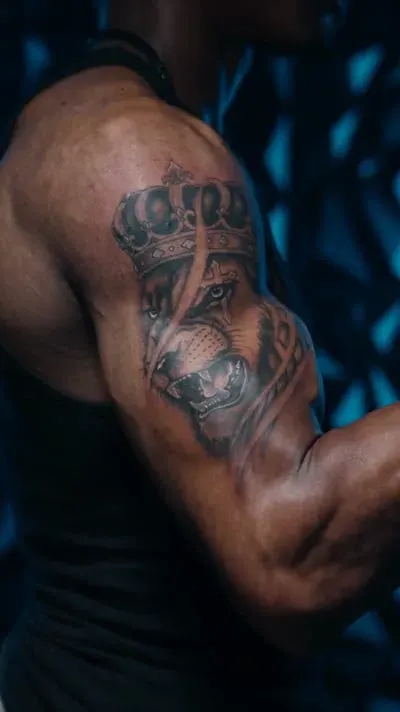
Built for your next studio showcase.
Turn your finished work and studio photos into short video ads that show what makes your studio unique.
Explore tattoo videos →Start with one. Keep creating.
One-time video packs.
1 video
$9.90A simple way to get started.
10 videos
$89.90More videos for your ongoing content.
A few things to know.
Do I need a Brand Kit?
No. Your logo, brand colors and message are optional. You can create a video using only your photos.
What photos can I use?
Choose 1–4 clear photos of your products, business or finished work that you have permission to use. Get permission from anyone featured.
Can I change the text and music?
Yes. After generation, you can edit text, subtitles and music. Click Save to apply your changes before downloading.
How long does a video take?
Processing time varies. You can follow progress in the app and return to your result after it finishes.