 Easy Ads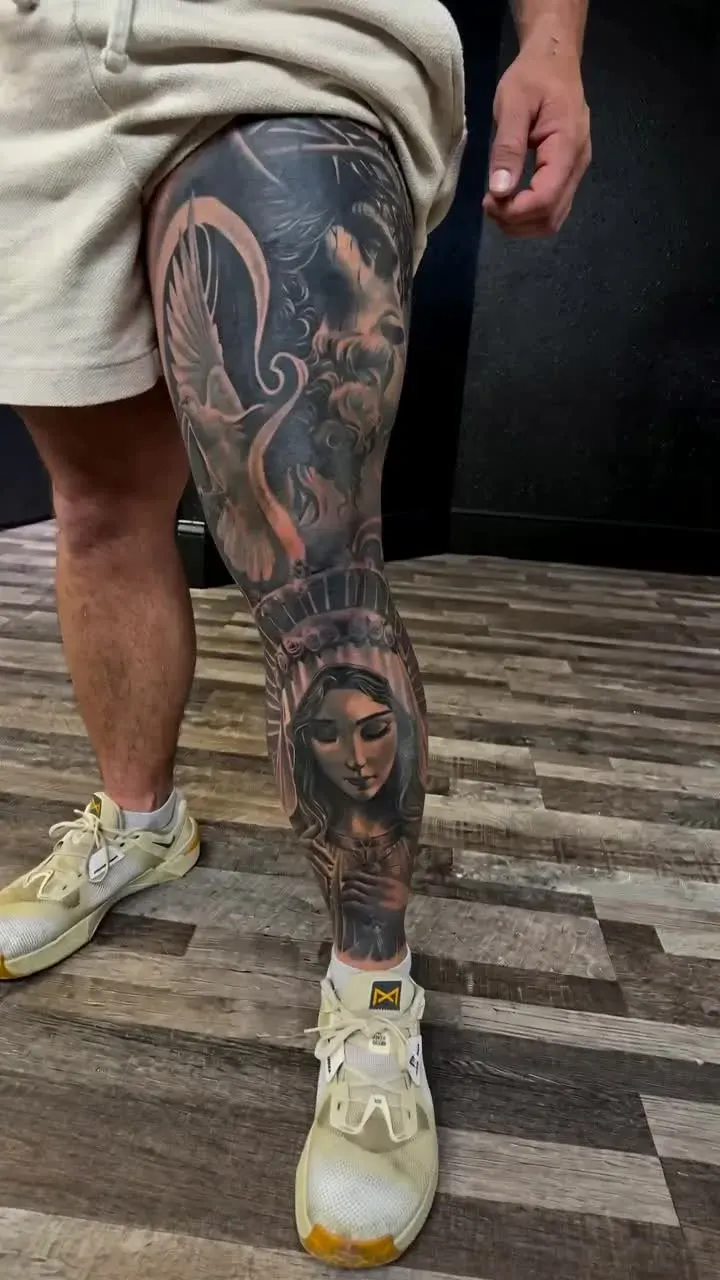
1. Prepare 1–4 clear photos
Choose photos you own or have permission to use. For client work, confirm that the person agrees to the photos being used in your promotion. Use well-lit images with the tattoo in focus. Avoid filters that hide the real texture or alter the ink color.
Choose a small, coherent set: an overview of the finished piece, a closer detail and, if useful, a view of your studio. Keep private client information out of the frame. This workflow creates a promotional video; it does not design a tattoo.
2. Create your video in Easy Ads
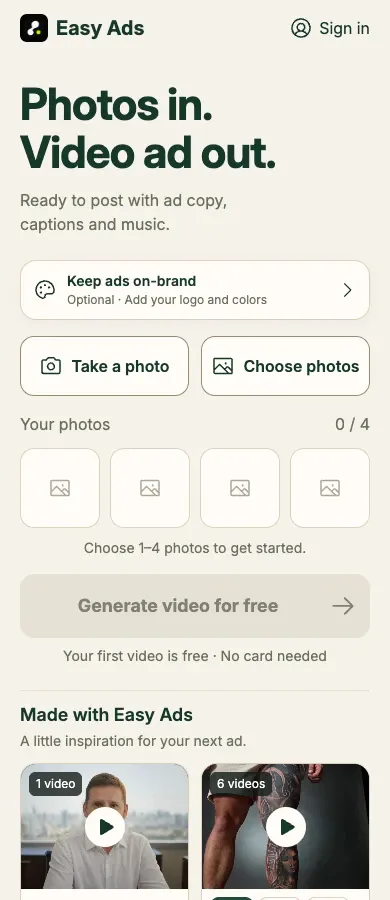
Open the Easy Ads creation page and choose your photos. The app accepts 1–4 images. Sign in when prompted so that your result stays linked to your account. New accounts receive one free video.
If you want branding, add your logo, colors and message using the optional Brand Kit before you start. You can leave it empty for a clean video. Start generation and follow the progress in the app. The current workflow creates a 15-second vertical video.
3. Review the artwork and apply edits
Play the whole result and compare it with your original photos. Inspect linework, lettering, shading, skin texture and body proportions. AI can change details, so do not publish a result that misrepresents your finished work.
After generation, you can edit text, subtitles and music. Make sure any name, claim or invitation is accurate. Click Save to apply your changes, then check the updated preview. A change in the editor is not applied to the downloadable video until you save it.
4. Download and share
Download the finished video after your edits have been saved. Keep your own copy if you want to use it later; online results are retained for up to 30 days.
Add an accurate caption and your studio contact details in the social app where you post. Start with a portfolio showcase or studio introduction. A generated video is a creative asset; it does not guarantee views, bookings or advertising results.