Easy Ads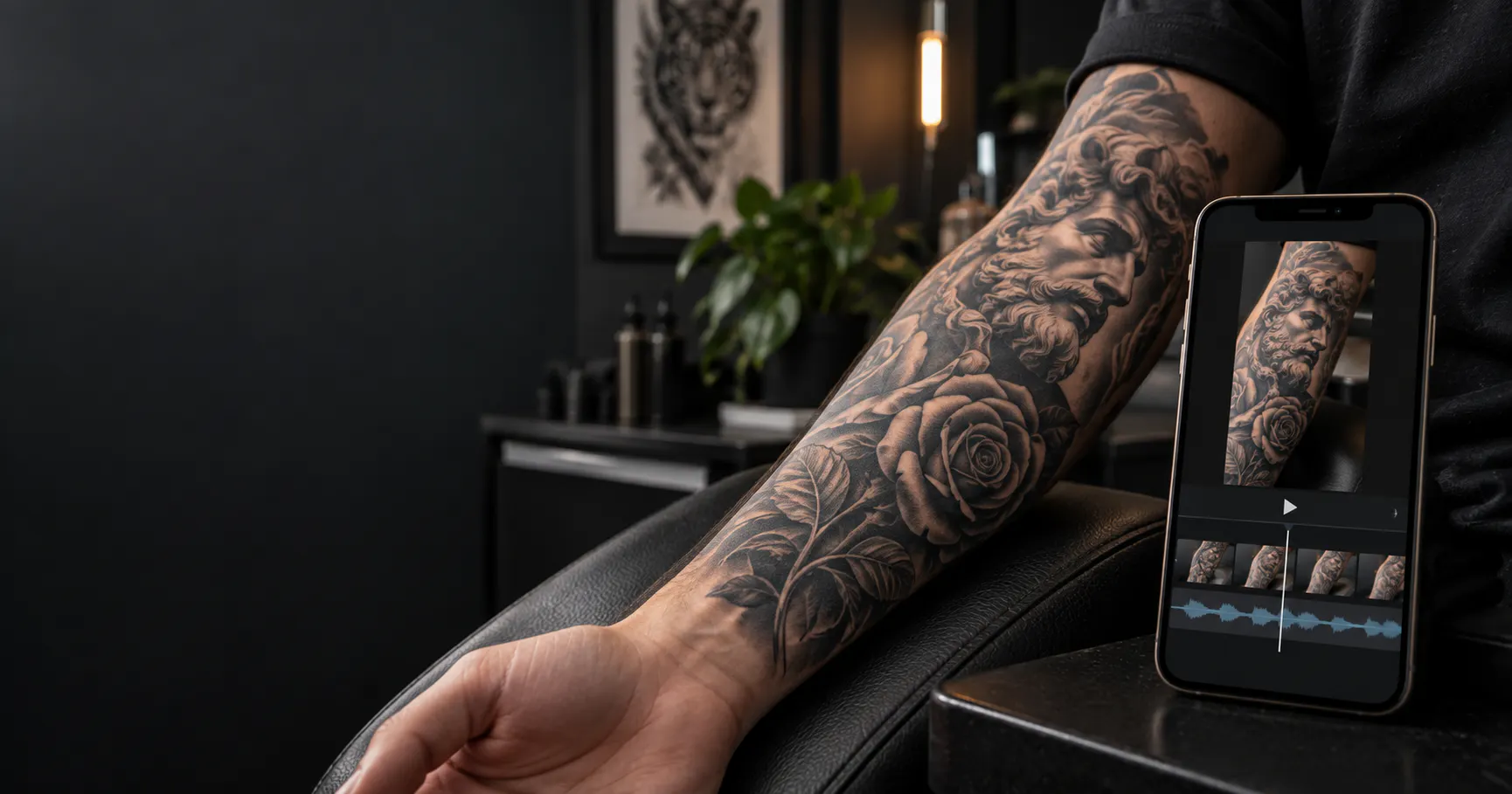
Introduction
You’ve finished a tattoo, photographed the details, and saved a few shots of the final piece. Those photos can also become a short video for your portfolio or Instagram. A tattoo video maker can help you turn existing artwork into content without recording a full production every time. An AI video generator for tattoo artists can add motion, structure, and captions, while a tattoo video editor lets you make the final adjustments before publishing. Whether you call it a tattoo video creator or a tattoo portfolio video maker, the goal is the same: show the work clearly, build trust, and make it easy for the right client to book.
Choose the Best Tattoo Photos for Your Video
Start with three to six strong images. Use a clean final photo as the opening frame, then add close-ups that show linework, shading, texture, or healed detail. Avoid using every photo from the session. If the photos have different lighting or backgrounds, crop them consistently first.
Define Your Video Goal and Audience
Decide what you want the viewer to do after watching. A portfolio video may focus on the finished piece. An educational video may explain the design process. A booking-focused video can highlight your style, location, and availability. Write that purpose in one sentence before you start editing.
Add Subtle Motion Without Hiding Tattoo Details
Still photos can feel more engaging with gentle zooms, pans, or a reveal from detail to full composition. Keep movement subtle so it does not distract from delicate linework. If your AI video tool supports image animation, review the result carefully and make sure the tattoo design stays accurate.
Create Your First Tattoo Portfolio Video with Easy Ads
You do not need a large content library to begin. Pick one recent tattoo, create one short video, and observe which part receives the most attention. Over time, this workflow can turn finished work into a consistent portfolio that helps new clients discover your style and contact your studio. Ready to turn your tattoo photos into engaging videos? Use Easy Ads to create polished tattoo portfolio videos faster, add motion and captions, and share your work with potential clients. Start creating with Easy Ads today.